How to Write a Landscaping Invoice
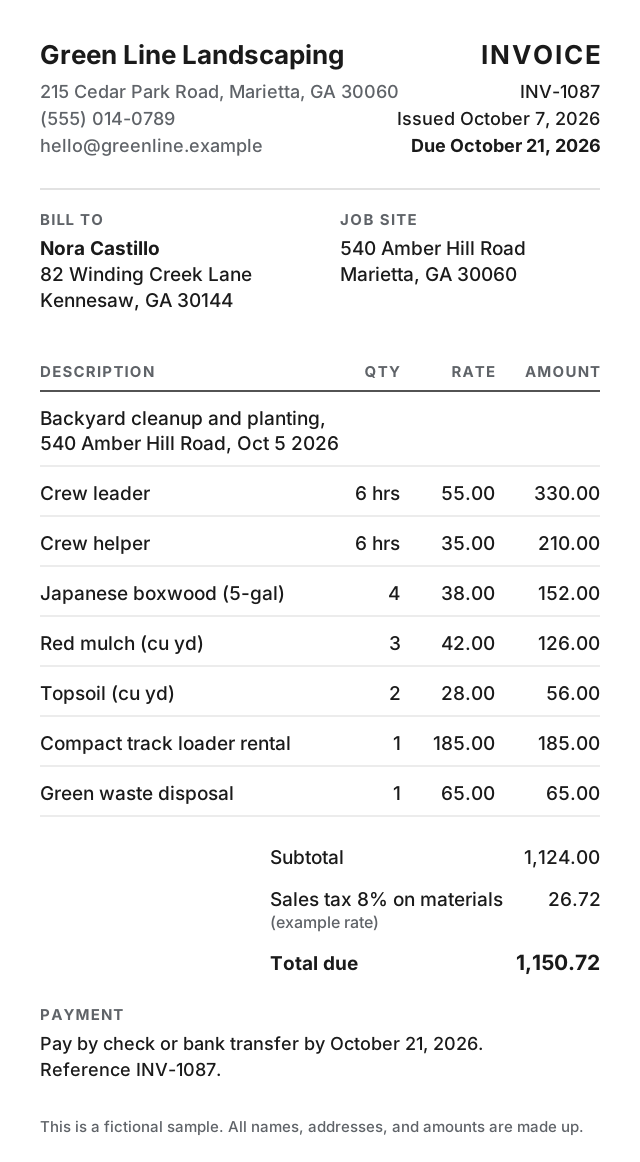
Put your business name and contact at the top with the customer, the job site address, an invoice number, and dates. Write one line for the job, list crew labor by the hour, list each plant and material on its own line, add the equipment rental and the disposal fee, then show tax, the total, and how to pay.
Every step below works on paper, in a spreadsheet, in a word processor, or in an app.
The 8 parts of a landscaping invoice
-
The header
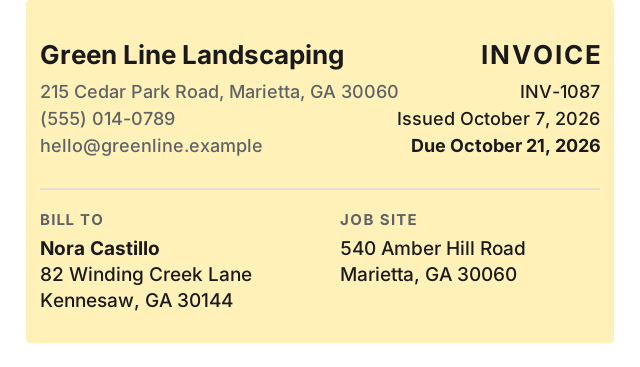
Put your business name, address, phone, and email. Add the customer, the job site address, an invoice number, and the issue and due dates.
-
Job description
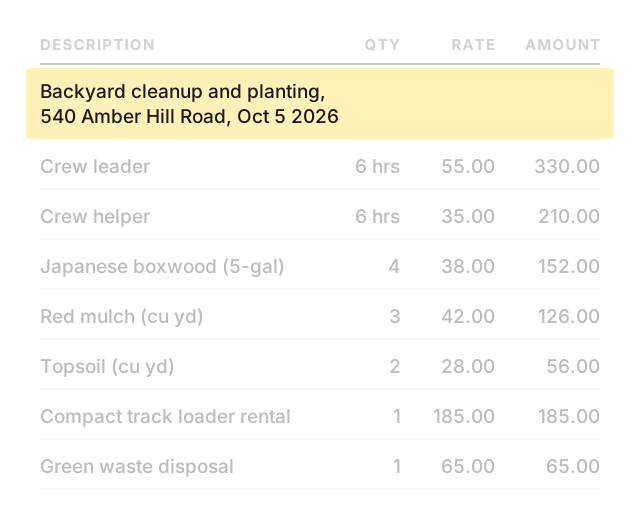
Add one line that says what was done, where, and on which date.
-
Crew labor
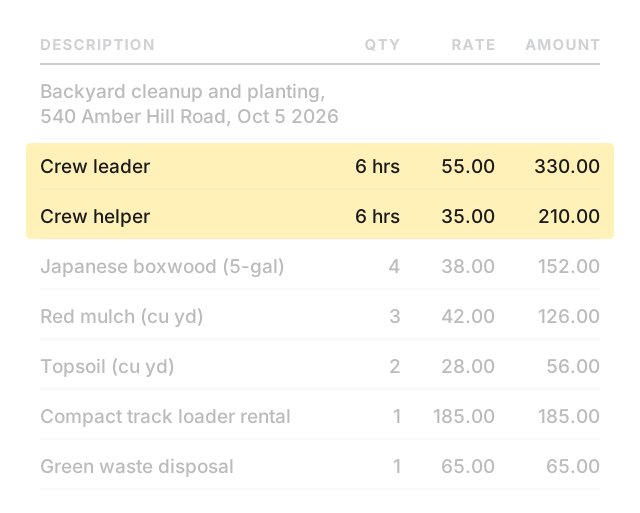
Give each crew member a line with hours and rate. If the crew leader and a helper worked the same job, they get two lines at their own rates.
-
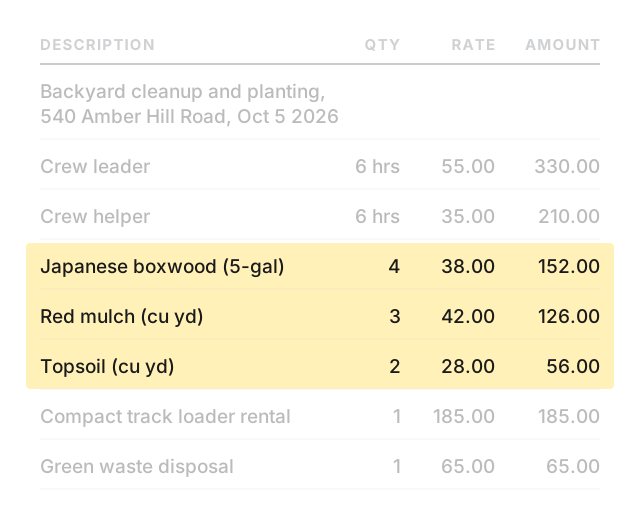
Plants and materials
List each plant, bag of mulch, or bag of soil on its own line with quantity and unit price.
-
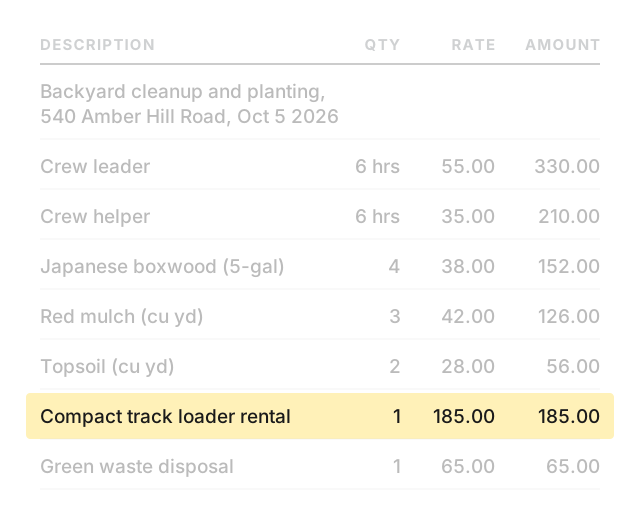
Equipment rental
If the job needed rented equipment, put it on its own line at the rental cost.
-
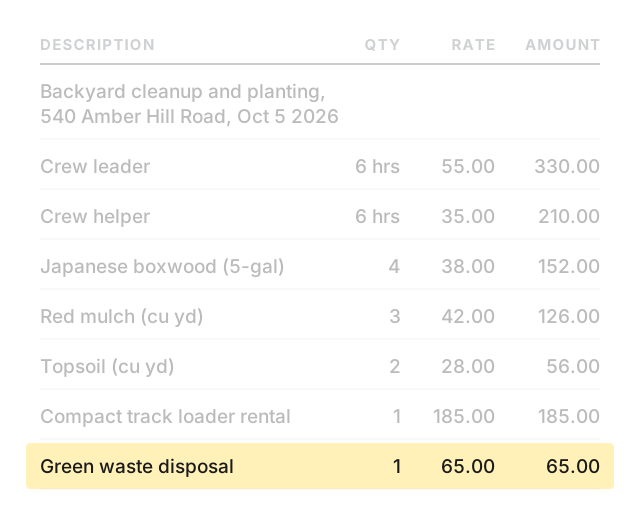
Disposal fee
If green waste went to a dump or a transfer station, add the disposal charge on its own line.
-
Tax and total
If tax applies, add a tax line that shows the rate and what it covers. Then show the subtotal, the tax, and the total the customer owes.

-
Payment terms
State how to pay, by when, and the invoice number as a reference.

Worked example
Change the names, dates, and numbers below to your own. This example is fictional.
- From:
- Green Line Landscaping · 215 Cedar Park Road, Marietta, GA 30060 · (555) 014-0789 · hello@greenline.example
- Bill to:
- Nora Castillo · 82 Winding Creek Lane, Kennesaw, GA 30144
- Job site:
- 540 Amber Hill Road, Marietta, GA 30060
- Invoice:
- INV-1087 · Issued October 7, 2026 · Due October 21, 2026
| Description | Qty | Rate | Amount |
|---|---|---|---|
| Backyard cleanup and planting, 540 Amber Hill Road, Oct 5 2026 | |||
| Crew leader | 6 hrs | 55.00 | 330.00 |
| Crew helper | 6 hrs | 35.00 | 210.00 |
| Japanese boxwood (5-gal) | 4 | 38.00 | 152.00 |
| Red mulch (cu yd) | 3 | 42.00 | 126.00 |
| Topsoil (cu yd) | 2 | 28.00 | 56.00 |
| Compact track loader rental | 1 | 185.00 | 185.00 |
| Green waste disposal | 1 | 65.00 | 65.00 |
Subtotal: 1,124.00
Sales tax 8% on materials (example rate): 26.72
Total due: 1,150.72
Payment: Pay by check or bank transfer by October 21, 2026. Reference INV-1087.
Make landscaping invoices on your phone
Paid: Invoice & Estimate Maker is an iPhone and iPad app. It handles line items with quantity and rate, up to 5 named tax lines, percent or flat discount, saved customers, and saved items. An estimate turns into an invoice in one tap. Equipment rental and disposal fees go in as ordinary line items. Works offline, no account needed.
Your first 6 documents are free (invoices and estimates together), with every feature and no time limit. Free documents carry a small footer line: “Created with Paid · pokkle.com/invoice-maker”. After that, $4.99 once. No subscription.
Paid does not include online payment links, a web version, recurring invoices, or expense and time tracking.