How to Write an Estimate for a Job
Put your business name, the customer, and the job site at the top with an estimate number, the date, and how long the price holds. Describe the work and what is not included. List labor and materials with their approximate cost, then show the estimated total and the terms for starting the job.
Every step below works on paper, in a spreadsheet, in a word processor, or in an app.
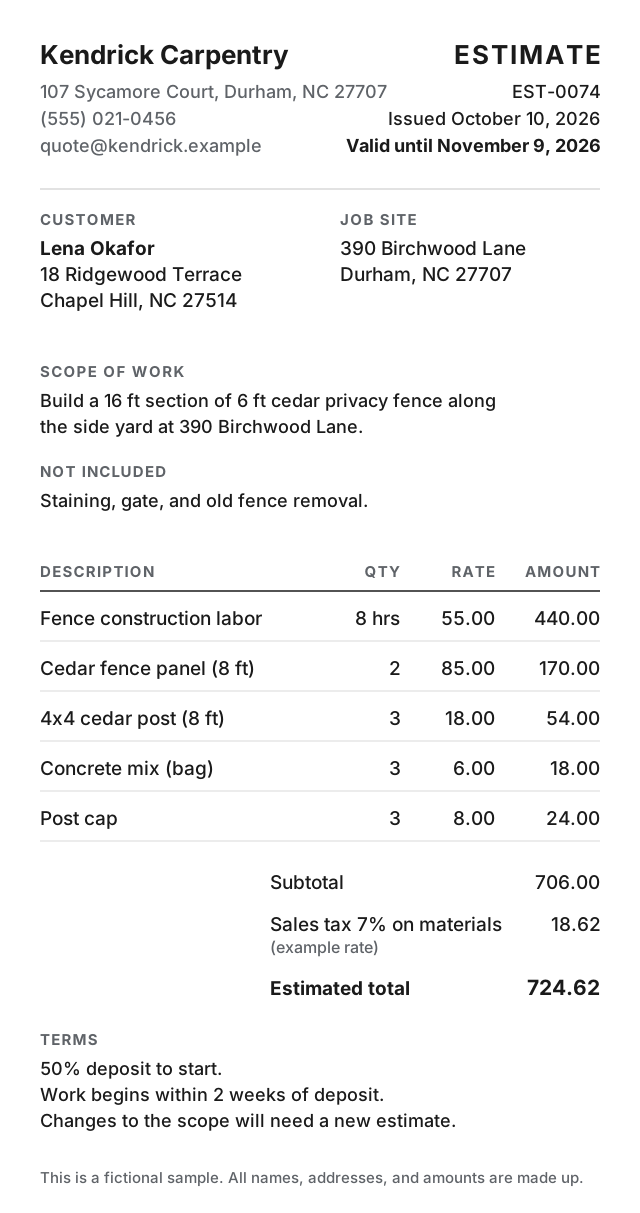
The 8 parts of a job estimate
-
The header
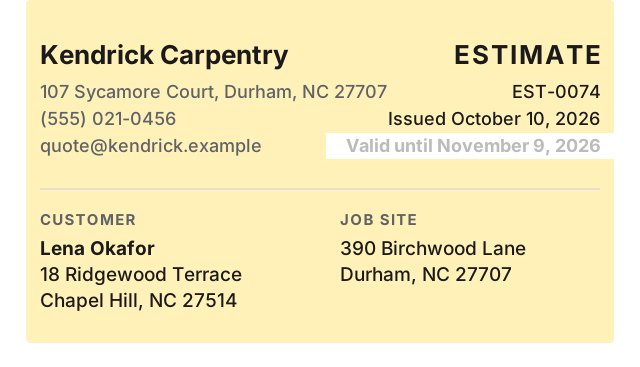
Put your business name, address, phone, and email. Add the customer, the job site address, an estimate number, and the issue date.
-
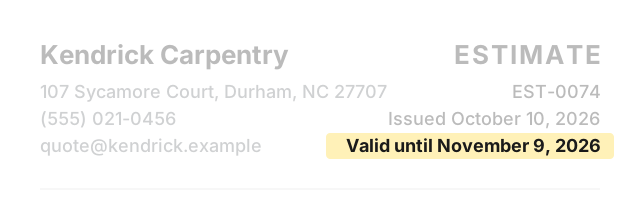
Valid-until date
State the last date this price holds. After that date, the customer should ask for a new estimate.
-
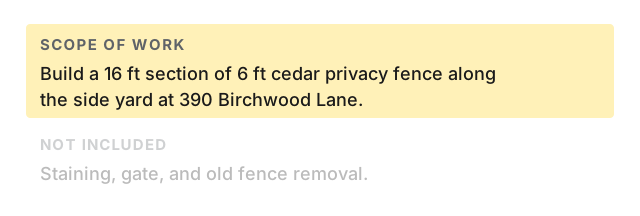
Scope of work
Write what the job covers in plain words.
-
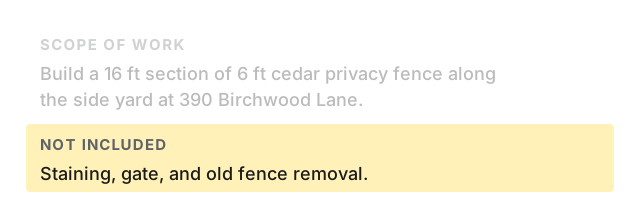
Not included
List what the price leaves out.
-
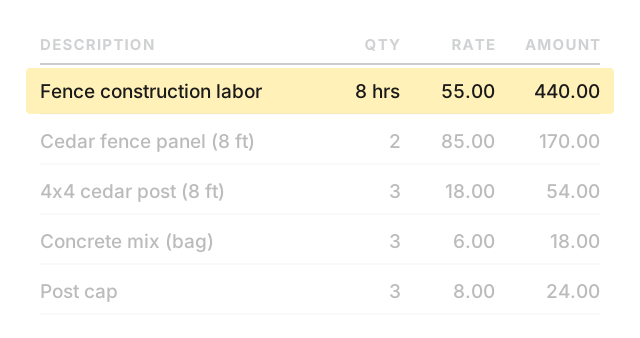
Labor
Show the estimated hours and rate.
-
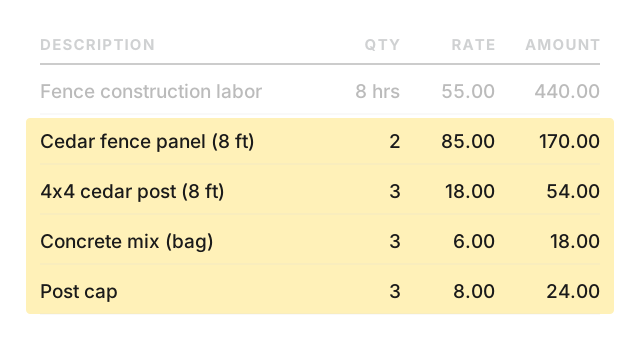
Materials
List each material on its own line with the quantity and approximate price.
-
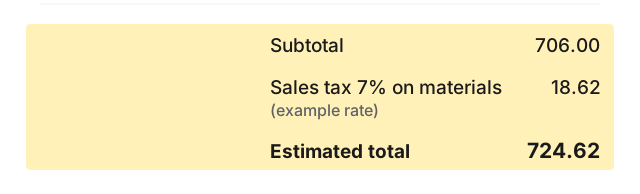
Estimated total
Keep the word “estimate” next to the total. If tax applies, add a tax line before the total.
-
Terms
State any deposit, the timeline, and what happens if the job changes.
Worked example
Change the names, dates, and numbers below to your own. This example is fictional.
- From:
- Kendrick Carpentry · 107 Sycamore Court, Durham, NC 27707 · (555) 021-0456 · quote@kendrick.example
- Customer:
- Lena Okafor · 18 Ridgewood Terrace, Chapel Hill, NC 27514
- Job site:
- 390 Birchwood Lane, Durham, NC 27707
- Estimate:
- EST-0074 · Issued October 10, 2026 · Valid until November 9, 2026
Scope of work: Build a 16 ft section of 6 ft cedar privacy fence along the side yard at 390 Birchwood Lane.
Not included: Staining, gate, and old fence removal.
| Description | Qty | Rate | Amount |
|---|---|---|---|
| Fence construction labor | 8 hrs | 55.00 | 440.00 |
| Cedar fence panel (8 ft) | 2 | 85.00 | 170.00 |
| 4x4 cedar post (8 ft) | 3 | 18.00 | 54.00 |
| Concrete mix (bag) | 3 | 6.00 | 18.00 |
| Post cap | 3 | 8.00 | 24.00 |
Subtotal: 706.00
Sales tax 7% on materials (example rate): 18.62
Estimated total: 724.62
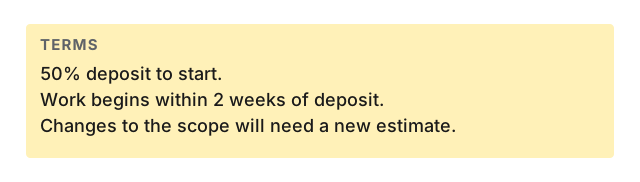
Terms: 50% deposit to start. Work begins within 2 weeks of deposit. Changes to the scope will need a new estimate.
Make estimates on your phone
Paid: Invoice & Estimate Maker is an iPhone and iPad app. It handles line items with quantity and rate, up to 5 named tax lines, percent or flat discount, saved customers, and saved items. An estimate prints “Valid until” where an invoice prints “Due.” An estimate turns into an invoice in one tap. Documents have a notes field and a payment instructions field. Works offline, no account needed.
Your first 6 documents are free (invoices and estimates together), with every feature and no time limit. Free documents carry a small footer line: “Created with Paid · pokkle.com/invoice-maker”. After that, $4.99 once. No subscription.
Paid does not include online payment links, a web version, recurring invoices, or expense and time tracking.