How to Write an Invoice Without a Business
Put your legal name and contact details where a business name would go. Add the customer, an invoice number and dates, describe the work with its price, then show the total and how to pay.
Every step below works on paper, in a spreadsheet, in a word processor, or in an app.
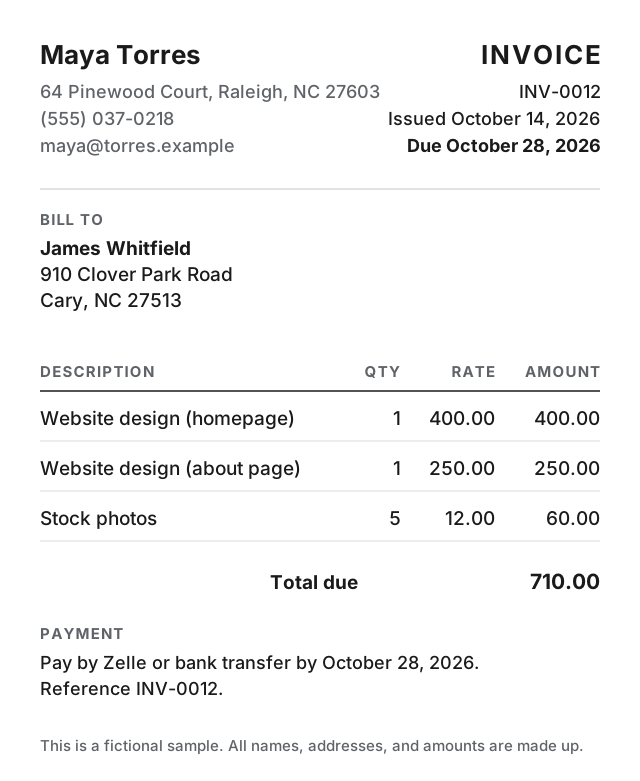
The 7 parts of a personal invoice
-
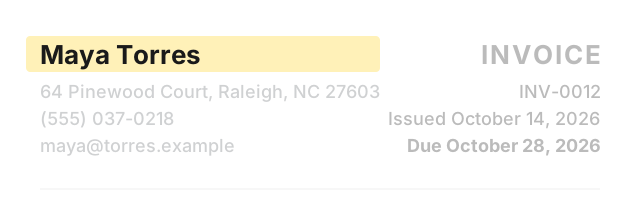
Your name
Use your legal name where a business name would go. Your legal name needs no registration, but a different name requires DBA registration in most states.
-
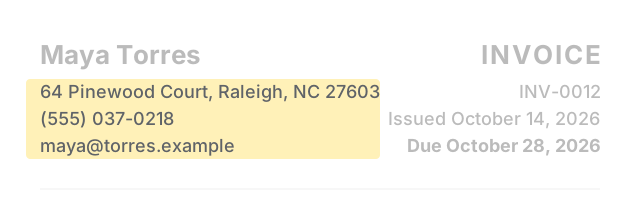
Your contact details
Add your address, phone number, and email under your name.
-
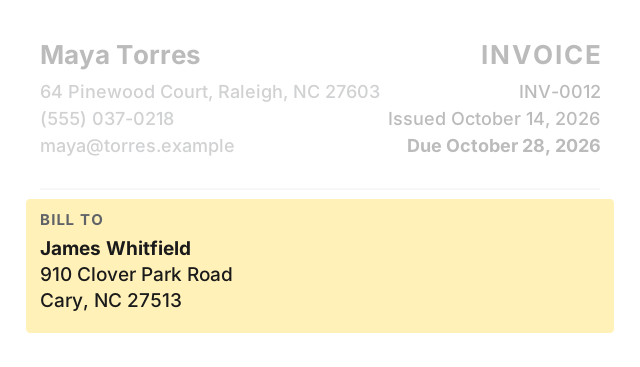
The customer
Add the customer's name and address.
-
Invoice number and dates
Pick a number and keep it in order. Add the issue date and the due date.
-
The work
Describe what you did, with quantity, rate, and amount on each line.
-
Total
Show the total due. Add a tax line only if tax applies to your work.

-
How to pay
State the payment method and the date. Don't print your Social Security number on the invoice unless the customer's paperwork requires it.
Income tax
The money you earn this way is income. The IRS requires an income tax return if your net self-employment earnings were $400 or more.
Worked example
Change the names, dates, and numbers below to your own. This example is fictional.
- From:
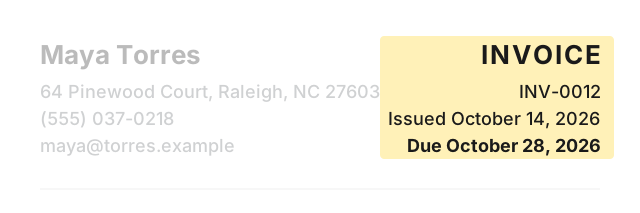
- Maya Torres · 64 Pinewood Court, Raleigh, NC 27603 · (555) 037-0218 · maya@torres.example
- Bill to:
- James Whitfield · 910 Clover Park Road, Cary, NC 27513
- Invoice:
- INV-0012 · Issued October 14, 2026 · Due October 28, 2026
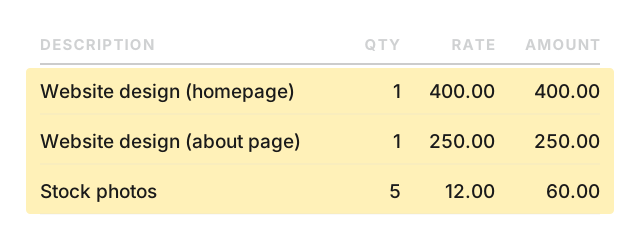
| Description | Qty | Rate | Amount |
|---|---|---|---|
| Website design (homepage) | 1 | 400.00 | 400.00 |
| Website design (about page) | 1 | 250.00 | 250.00 |
| Stock photos | 5 | 12.00 | 60.00 |
Total due: 710.00
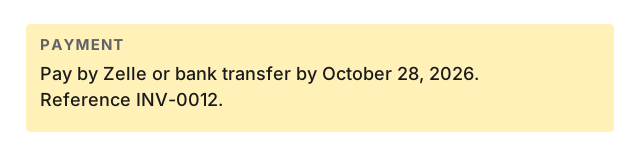
Payment: Pay by Zelle or bank transfer by October 28, 2026. Reference INV-0012.
Make invoices on your phone
Paid: Invoice & Estimate Maker is an iPhone and iPad app. Type your own name in the “Business name” field. No logo needed. It handles line items with quantity and rate, up to 5 named tax lines, percent or flat discount, saved customers, and saved items. Works offline, no account needed.
Your first 6 documents are free (invoices and estimates together), with every feature and no time limit. Free documents carry a small footer line: “Created with Paid · pokkle.com/invoice-maker”. After that, $4.99 once. No subscription.
Paid does not include online payment links, a web version, recurring invoices, or expense and time tracking.